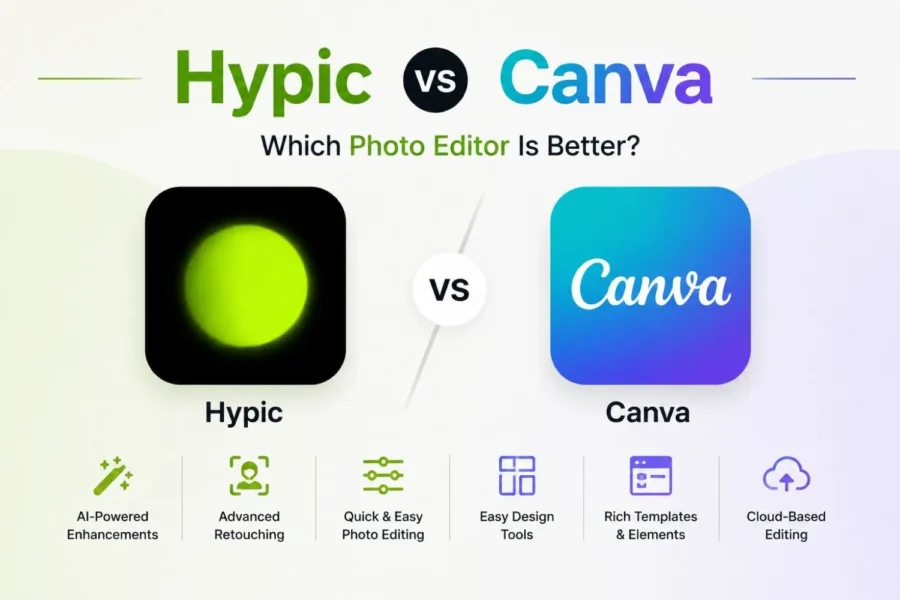
Hypic vs Canva: Which Photo Editor Is Better?
Choosing between Hypic and Canva depends entirely on your needs. If you just snapped a selfie and want it looking flawless in seconds then Hypic APK is your go to choice. Or maybe For designing a full social media campaign that needs templates, branding, and video, all in one place, Canva is the best option.
Both apps use AI to speed up your workflow, but they solve very different problems. Hypic zeroes in on portrait and selfie editing with fast, one-tap fixes. Canva expands far beyond photos into presentations, documents, and full design projects.
In this comprehensive guide you will learn where each app wins and which app you can pick for your next project without wasting time on trial and error. Let’s begin
What Is Hypic?
Hypic is an AI-powered photo editor built by ByteDance for fast, one-tap enhancements. It analyzes your photo and fixes lighting, skin tone, and clarity without asking you to touch a single slider. Portrait retouching, background removal, and hairstyle try-ons round out its toolkit.
What Is Canva?
Canva is a cloud-based graphic design platform that is pretty simple to use for creating professional-grade stuff. It allows you to generate any type of visual content including presentation, social media graphics, posters, videos, resume, logo, and so on. The interface is initiative, in fact the entire editing can be done with dragging and dropping elements.
Hypic vs Canva: Feature Comparison
Hypic is a specialized photo editor that enhances your images and gives an aesthetic look while the Canva is an all in one edition platform that allows you to design content for social media, digital marketing and professional documents. Let’s dive deep and explore the difference in features.
Feature | Hypic | Canva |
One-tap automatic portrait enhance | Yes | No |
Dedicated skin smoothing/retouching | Yes | No |
Hairstyle and hair color try-on | Yes | No |
AI face reshaping tools | Yes | No |
No-prompt instant AI fix | Yes | No, requires typed prompt |
Mobile-first quick filters for selfies | Yes | Limited, template-focused |
Batch selfie/portrait editing | Yes | No |
Pricing Comparison
Plan | Hypic | Canva |
Free | Filters, AI tools, limited exports | Basic editing, capped AI usage, 1 brand kit |
Paid tier 1 | VIP subscription (unlocks saving, no watermark, full filters) | Pro at roughly $18/month or $144/year |
Paid tier 2 | Not offered | Teams/Business at roughly $10-25/user/month |
Enterprise | Not offered | Custom pricing |
Best value for | Solo users wanting quick exports | Individuals and teams needing branded content |
Pros and Cons of Hypic
Pros | Cons |
Purpose-built for face detection and portrait retouching | Editing scope stays narrow, no design or document tools |
It is a lightweight software and takes less space | Ads interrupt in the free version |
Subscription stays cheap compared to other editors | |
A lots of filters, avatar generation, and enhancement are in one tap |
Pros and Cons of Canva
Pros | Cons |
Covers social posts, documents, presentations, videos, and simple websites in one platform | Templates are repetitive |
Free plan comes with a huge template and stock library | Complex content takes efforts and your time |
AI tools handle writing, design suggestions, and image editing | |
Multilingual text translation keeps layouts intact across languages | |
Fast enough to take an idea to finished content in minutes |
Conclusion
Hypic and Canva aren’t really rivals fighting for the same job. Hypic earns its place as the faster, simpler tool for anyone who just wants a photo to look better right now. Canva earns its place as the broader platform for anyone building a brand, a campaign, or a full content library.
Pick Hypic for speed and portrait-focused editing on the go. Pick Canva when your work extends past a single photo into templates, video, and team collaboration. Many creators end up using both, since they solve different halves of the same content workflow.